X / Pan
Equal-power panning works with restrained inter-channel timing and reflection skew for natural horizontal placement.
24REC DEVICE 03 / v0.5.5
Spatial Placement Engine
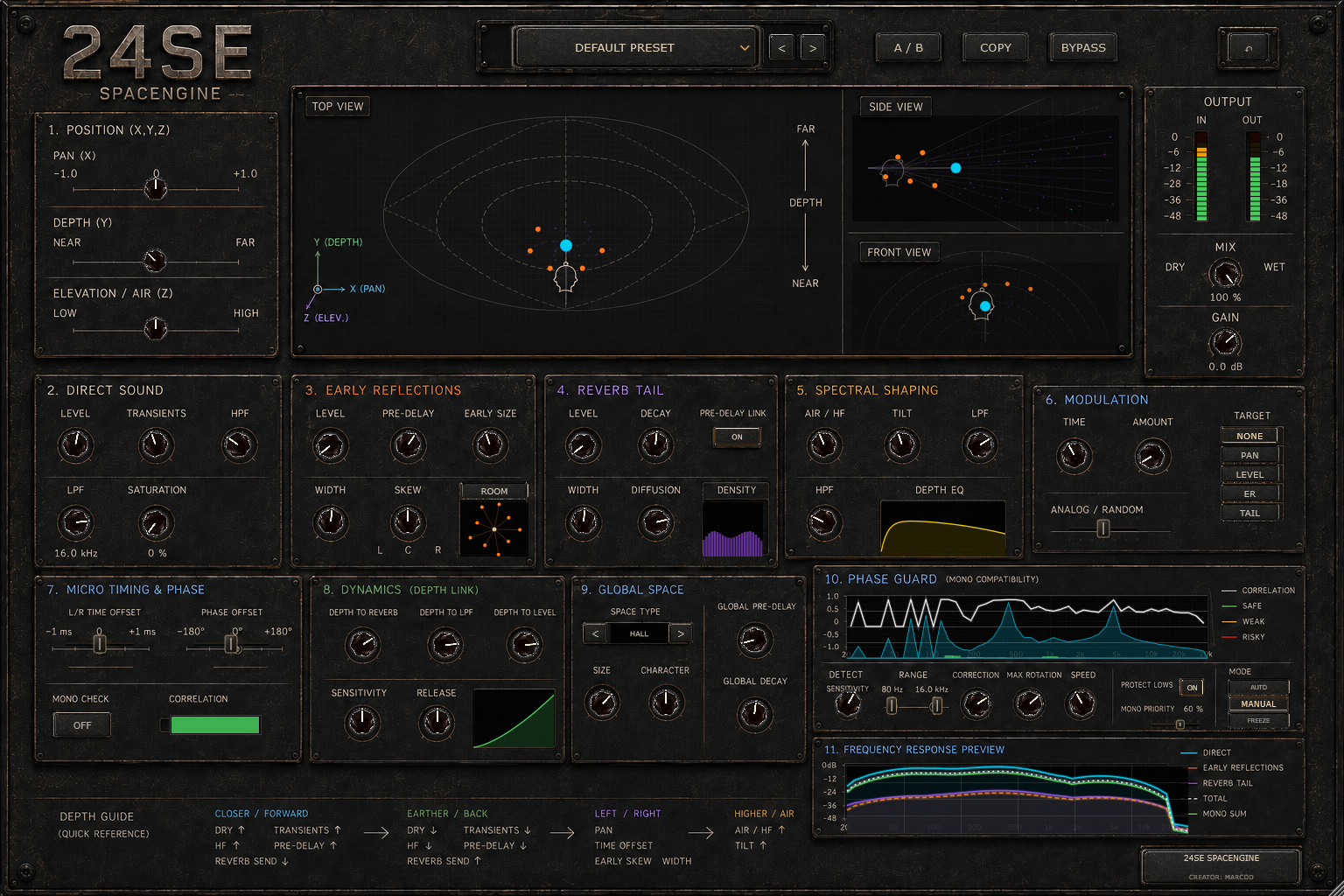
24SE SpacEngine is designed to place a sound inside a believable stereo environment, not merely add reverb. High-level X, Y, and Z coordinates guide a network of direct-sound, reflection, timing, spectral, and reverberant mechanisms while every layer remains available for detailed adjustment.
Equal-power panning works with restrained inter-channel timing and reflection skew for natural horizontal placement.
A psychoacoustic distance macro coordinates direct level, transients, filtering, timing, reflections, tail balance, width, diffusion, and density.
Restrained air, tilt, and upper-spectrum cues suggest vertical placement without fictional vertical amplitude panning.
A multi-tap early network defines nearby surfaces while the stereo late field controls decay, width, diffusion, and density.
Frequency-aware correlation analysis estimates mono loss and can apply conservative correction within user-defined limits.
Space type, size, character, pre-delay, and decay define the room independently from the source position inside it.
From input to intent
Windows x64 / VST3
01 Download and extract the ZIP archive.
02 Copy the complete .vst3 folder to C:\Program Files\Common Files\VST3\.
03 Restart your DAW and rescan VST3 plugins if needed.
04 The included standalone application can run without DAW installation.